Online Occupational Therapy (Telehealth OT): How It Works, Benefits and Apps
How online occupational therapy works: who it suits, what an OT can do by video, preparing, choosing a licensed provider, apps, benefits and limits.

When we first wrote this article in 2019, we called online therapy “the need of the time.” Internet and smartphone use were growing fast, and people were starting to look online for health and therapy advice. We hoped a good occupational therapy app or online service would one day make it easy to reach a therapist.
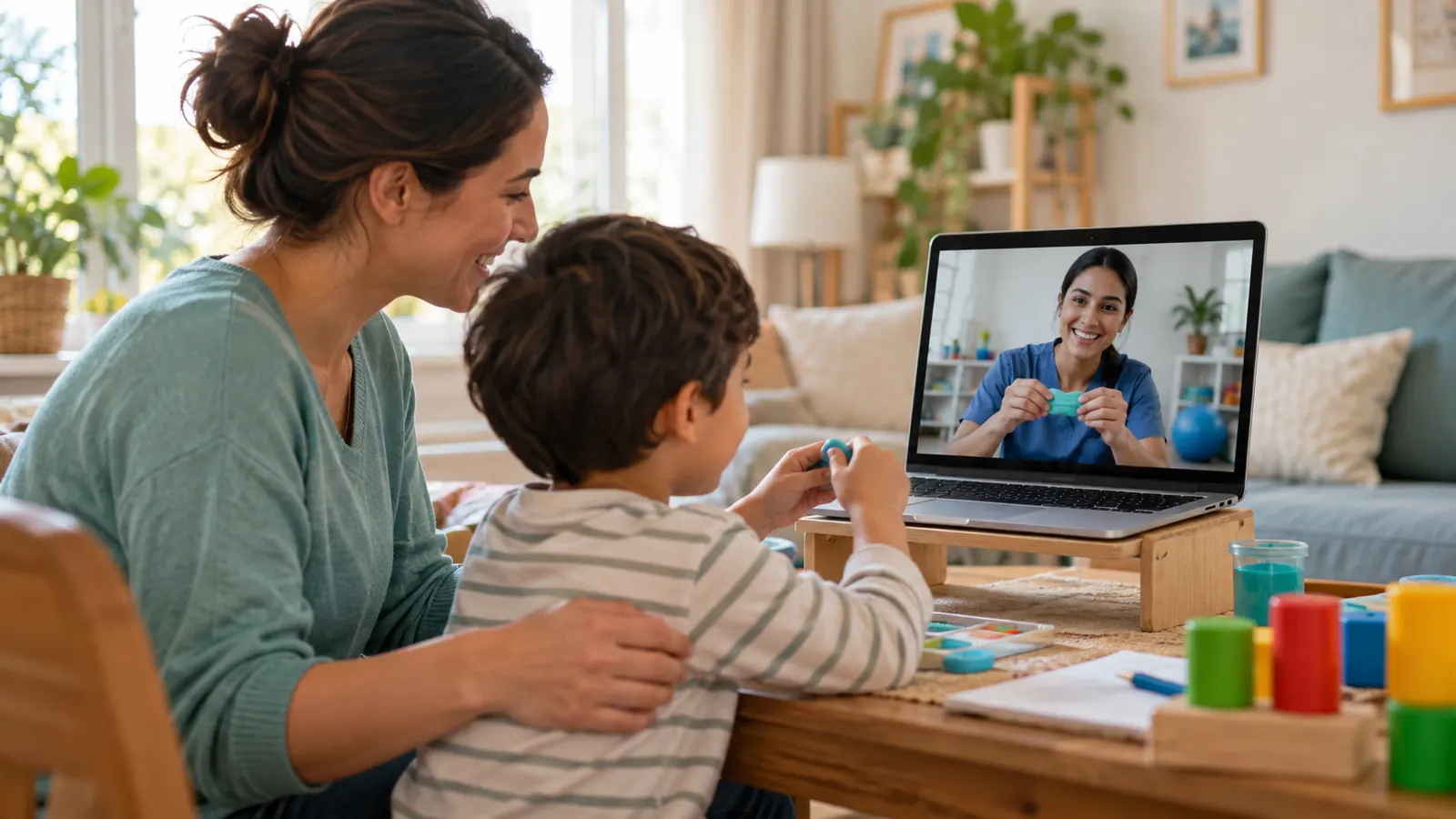
Since then, telehealth has become a normal part of occupational therapy. Many OTs now offer online sessions, and families have learned that therapy can happen in their own living room.
Just reading articles online isn’t enough, though. Every person has different problems, or a combination of issues. Health and therapy articles are good for general awareness, but it’s always recommended to consult a therapist about your own needs. That’s what telehealth OT makes easier.
What is telehealth occupational therapy?
Telehealth OT is occupational therapy delivered using technology instead of, or as well as, face-to-face visits.
| Type | What it means | Example |
|---|---|---|
| Live video (synchronous) | Real-time session with the OT by video | The OT watches a child do their morning routine and coaches the parent |
| Store-and-forward (asynchronous) | You send videos, photos or forms; the OT reviews them later | Sending a video of handwriting or of a bathroom for a safety review |
| Remote monitoring | Apps or devices track activity or exercises | An app records home exercise completion after a hand injury |
| Phone and secure messaging | Check-ins, advice and follow-up | A quick call to adjust a sensory diet after a hard week |
| Apps and digital home programs | Guided activities and practice between sessions | Fine motor games or visual schedules recommended by the OT |
What can be done well online
- Parent and caregiver coaching: for babies and young children, coaching the parent during real routines is often the most effective approach, and it works very well by video. Read more: early intervention.
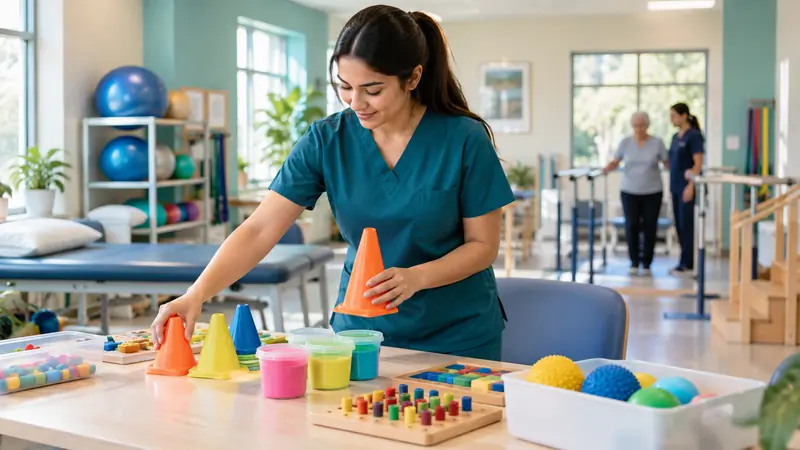
- Pediatric home programs: fine motor and gross motor activities, handwriting and sensory diet routines.
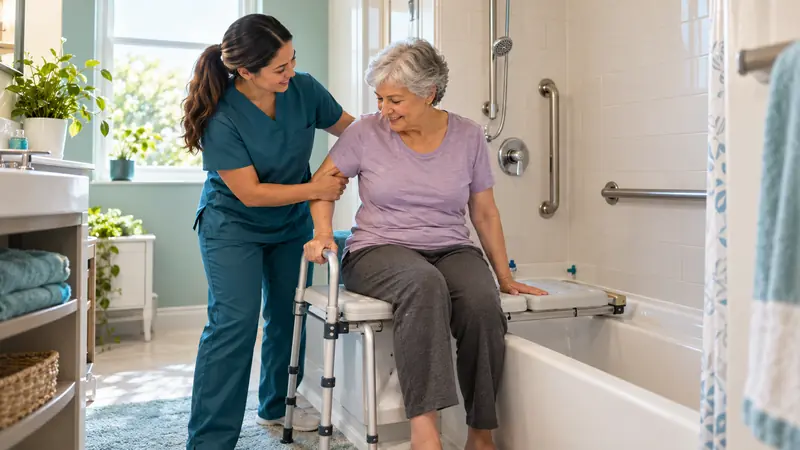
- Home safety and set-up: the OT can see the real bathroom, kitchen and stairs and recommend grab bars, a tub bench or furniture changes.
- Follow-up after rehab: progressing exercises after a hand injury, stroke or joint replacement.
- Mental health: routines, activity scheduling, coping and relaxation strategies. See OT in mental health.
- Workplace ergonomics: reviewing a home office set-up.
What usually needs in-person care
- Hands-on techniques, such as manual therapy or handling for children with high or low muscle tone
- Making custom splints and orthoses
- Standardised tests that need special equipment or exact conditions
- Activities with a high risk of falls, such as practising difficult transfers, unless a trained helper is present
Benefits of online therapy
- A good option for people in remote places
- Easy access, with less travel time and cost
- Therapy in the person’s real environment, where skills are actually used
- More involvement from parents and caregivers
- Safe and confidential, when a secure platform is used
- Convenient and often more affordable
How a telehealth OT session works
-
Before
Intake forms, consent, and a test of your device and internet connection.
-
Set-up
Camera positioned so the OT can see the activity, materials ready.
-
Session
The OT observes, demonstrates, coaches and adjusts in real time.
-
Home plan
Written or video instructions for practice until the next session.
-
Review
Progress is checked; in-person visits are added if needed.
Is telehealth OT right for you?
-
Telehealth is a good fit
- Need is coaching, a home program or follow-up
- Travel is hard or services are far away
- A caregiver can help during sessions
Start online; add in-person visits if needed
-
Start in person
- Needs hands-on treatment or a custom splint
- High fall risk during tasks
- Needs specific standardised testing
In-person evaluation first; online follow-up later
Many families use a hybrid: an in-person evaluation, then a mix of online and clinic sessions.
Choosing an online occupational therapist
- Licensed where you live: in the US, an OT generally needs a licence in the state where the client is located during the session. The Occupational Therapy Licensure Compact is designed to make practising across member states easier; check its current status for your state.
- Secure platform: the service should use a privacy-compliant video platform (for example, HIPAA-compliant in the US).
- Clear evaluation: a good provider starts with a proper evaluation and goals, not just generic activities.
- Insurance and cost: coverage rules for telehealth vary by insurer and state and have changed several times, so check before you start.
- Fit for your needs: look for experience with your child’s or your condition, such as autism, ADHD, stroke or hand injuries.
Occupational therapy apps
An OT app can focus on mental health activities, pediatric activities, cognitive and perceptual activities, or ADL activities. Simple videos of common activities can be very helpful for clients.
| App type | Useful for |
|---|---|
| Handwriting and letter-formation apps | Practising letter shapes; best combined with real pencil-and-paper practice |
| Fine motor and visual-perceptual games | Finger isolation, tracing, puzzles and visual scanning |
| Visual schedules and timers | Routines and transitions for children with autism or ADHD, and adults with memory difficulties |
| Regulation and relaxation apps | Breathing, calming and grounding strategies |
| Exercise and reminder apps | Home exercise programs after injury or stroke |
| Cognitive training apps | Attention and memory practice, alongside real-life strategies |
Screen time should be balanced with active, hands-on play, especially for young children. Ask your OT which apps suit your goals.
Summary
Online occupational therapy has grown from an idea into a normal way to receive care. Telehealth makes it easier to reach a licensed OT, brings therapy into real homes and routines, and gives caregivers a bigger role, while some needs are still best met in person. Used well, with a proper evaluation and a clear plan, telehealth helps more people live happier, more independent lives. Read more: what does an occupational therapist do?
References
- American Occupational Therapy Association. Telehealth in occupational therapy. American Journal of Occupational Therapy. 2018;72(Suppl 2):7212410059.
- World Federation of Occupational Therapists. Position Statement: Telehealth. 2021.
- Occupational Therapy Licensure Compact.
Frequently asked questions
Does online occupational therapy work?
What can an occupational therapist do over video?
Who is a good fit for telehealth OT?
Is telehealth OT covered by insurance?
Are there good occupational therapy apps?
Written by
Payal Mehta, OT
Payal Mehta is a practising occupational therapist and co-founder of Occupational Therapy OT. She writes on pediatrics, sensory integration, and mental-health practice.
All articles by Payal →This article is for general education and is not a substitute for individualized assessment or treatment by a licensed occupational therapist. Always seek the guidance of a qualified professional for specific concerns.